Process templates for industrial design
Fill-in-the-blank templates for research, HCD, briefs and design reviews. Free process documents for industrial designers on brahm.design.
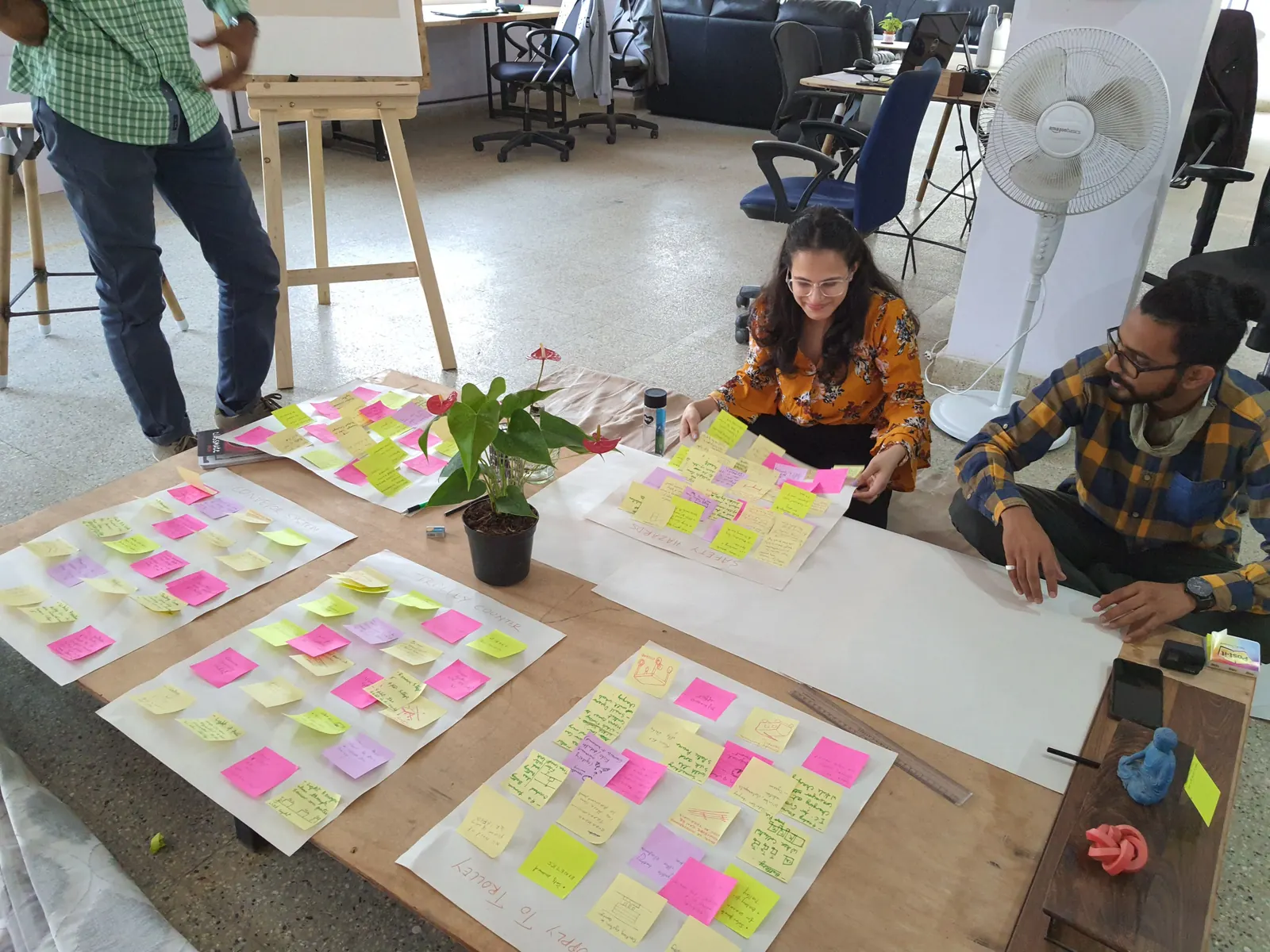
Design work goes better when the notes have a place to live. The process templates in the industrial toolkit are fill-in-the-blank documents for the stages you already know — research plans, human-centred design maps, briefs, and review notes — so you spend your energy on the content rather than on rebuilding a document every time.
They are useful in a student studio, a small product team, or a consultancy week when several people have to leave a trail of decisions. A template will not invent insight. It will stop a research week from collapsing into a pile of unmarked photos, and it will give a review a consistent set of questions: what we learned, what we decided, what is still open.
Download or copy a template at the start of a phase, not at the end. Fill it as you work. The HCD and research templates ask for users, methods, findings and implications — the last of those is the one teams most often skip. The brief and review templates ask for constraints and decisions, which is what a later you will need when someone asks why the wall thickness changed.
These are working documents, not a proprietary methodology you must follow in order. Adapt the headings to your school or your company’s process. Keep anything confidential off a shared machine, and do not put client names into a practice file you might later upload elsewhere.
Example
A research-plan skeleton. Question: why do night-shift nurses drop the current device? Methods: five shadowing sessions, a short interview, a teardown of the competitor. Participants: role, not personal identity, in the notes. Findings: one column for observation, one for quote, one for implication. That last column is where a template earns its keep — “move the grip, don’t add a warning label” is a finding you can design from.
How to use this tool
- Open Process Templates in the Industrial toolkit and pick the document that matches your current stage.
- Copy or download it before you start the work, and put it next to your research notes.
- Fill in users, methods and findings as they happen, not at the end of the week.
- Write implications in plain language — what will change in the design because of this finding.
- Bring the completed template to the review so decisions are made against written evidence.
Frequently asked questions
What formats are the templates in?
They are fill-in documents inside the toolkit, intended to be used on screen or copied into your usual writing tool. Use whatever format your team already shares.
Are these ISO or design-council official templates?
No. They are practical working sheets for common industrial design stages. They are not a certified management system and we do not claim any ISO certification.
Can I use them in a commercial project?
Yes, as internal working documents. You are responsible for confidentiality and for fitting them to your contract and your company’s process.
Do I have to complete every field?
No. Empty a section that does not apply, but do not skip “implications” or “decision” just because they are harder to write.