Mechanical engineering interview simulator
Practise mechanical engineering interviews for Tesla, SpaceX, Apple, Dyson, Medtronic and more — timed questions and debriefs. Free on brahm.design.
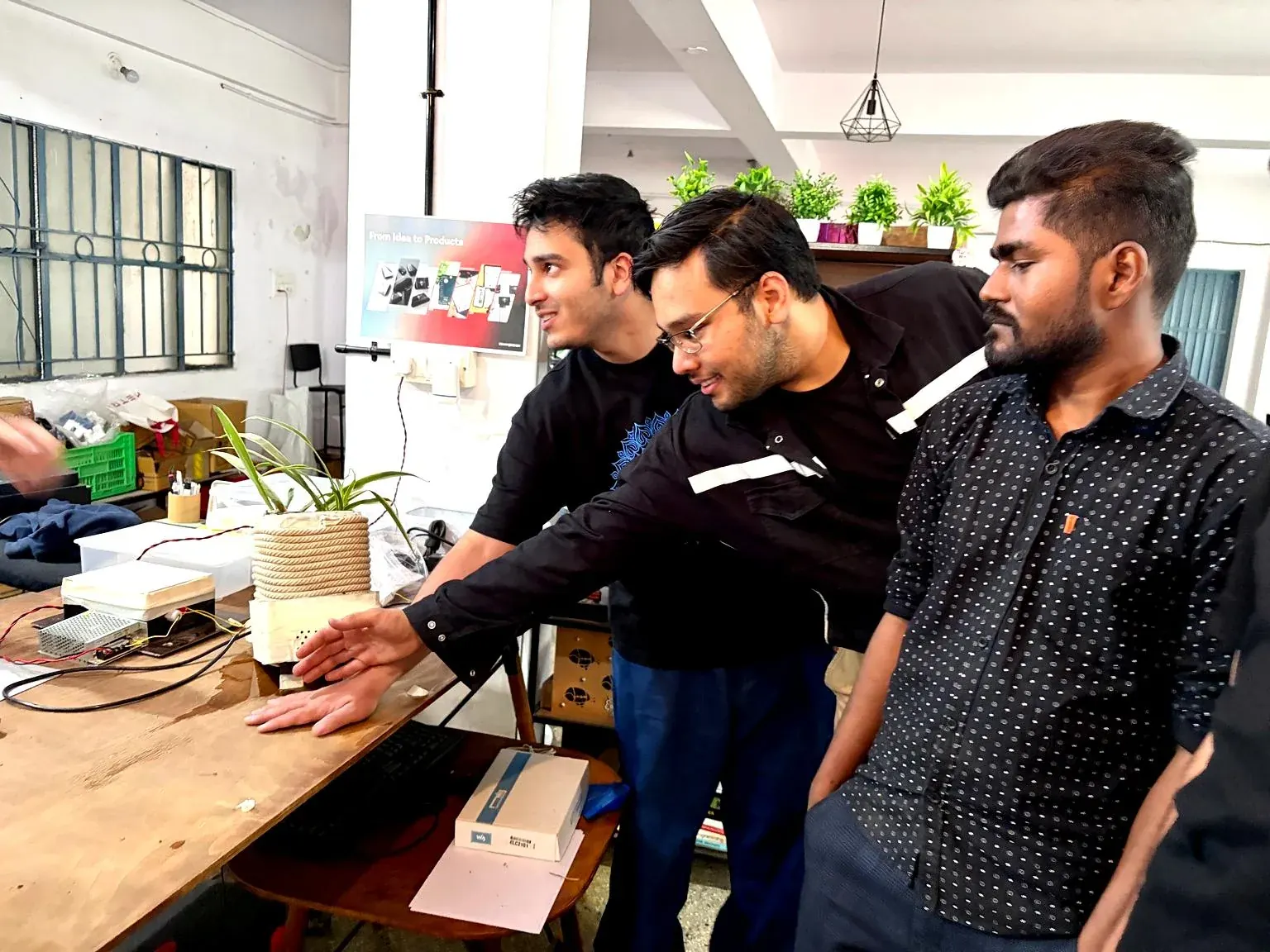
A mechanical engineering interview for a product or hardware role is part fundamentals, part judgement. You may be asked to size a beam, pick a process, walk through a tolerance stack, or talk about a failure you investigated. The ME interview simulator is a timed practice room built around those conversations, with company cards that describe how a given organisation tends to interview — EV and first-principles hardware, aerospace structures, consumer devices, medical, robotics.
The company list includes teams such as Tesla, SpaceX, Apple, Dyson and Medtronic, among many others. The value is not the logo; it is the prompt to answer in that context. A medical-device interviewer will push on risk, materials and cleanability. A consumer-hardware interviewer will push on DFM, cost, and how you would tool the part. Practising that shift is the point.
Use a timer and answer out loud. Many on-site loops still use a whiteboard or a shared doc and two or three minutes of silence is more obvious than it feels at a desk. After the session, the debrief is a chance to note which area was thin — statics, GD&T, manufacturing, or storytelling about a project — and to go and study that, rather than running more random questions.
The simulator does not replace a fundamentals textbook, a mock with a colleague, or the homework you should do on the company’s products. It is a rehearsal tool. Treat every question as if a drawing and a process sheet were sitting on the table.
Example
A typical practice prompt. “A die-cast aluminium housing keeps a sealed PCB dry outdoors. The lid is fastened with six M3 screws. What do you want to see on the drawing, and how would you check the seal in prototype?” A solid answer talks about gasket groove, fastener spacing, torque, material compatibility, a first leak test, and what you would change if the first articles warp. The timer is there so you get to that structure without a five-minute preamble.
How to use this tool
- Open the Mechanical toolkit and start the Interview Simulator.
- Pick a company close to the role you want, and read the short note on interview style before you begin.
- Start the timer and answer out loud. Sketch if the question is about a part or a stack.
- After each question, write one thing you would check in a real review (a standard, a factor of safety, a process limit).
- Use the debrief to choose the next hour of study, not to collect a score.
Frequently asked questions
Is this only for automotive and aerospace?
No. The bank covers consumer hardware, medical devices, robotics and more, as well as EV and aerospace teams. Pick the closest culture to the role you want.
Will the questions match a real on-site?
They are written in the spirit of those interviews, not copied from a confidential bank. Expect similar themes — process, calculations, trade-offs — and different exact questions.
Can I practise manufacturing and GD&T here too?
You will get questions in those areas, and the same toolkit has a GD&T reference, a DFM checklist and a tolerance-stack calculator for deeper practice.
Is it free?
Yes. A free brahm.design account opens the full ME toolkit, including the simulator.