Engineering material explorer
Compare yield, UTS, modulus, density and thermal expansion for 30+ engineering materials. Free mechanical material explorer on brahm.design.
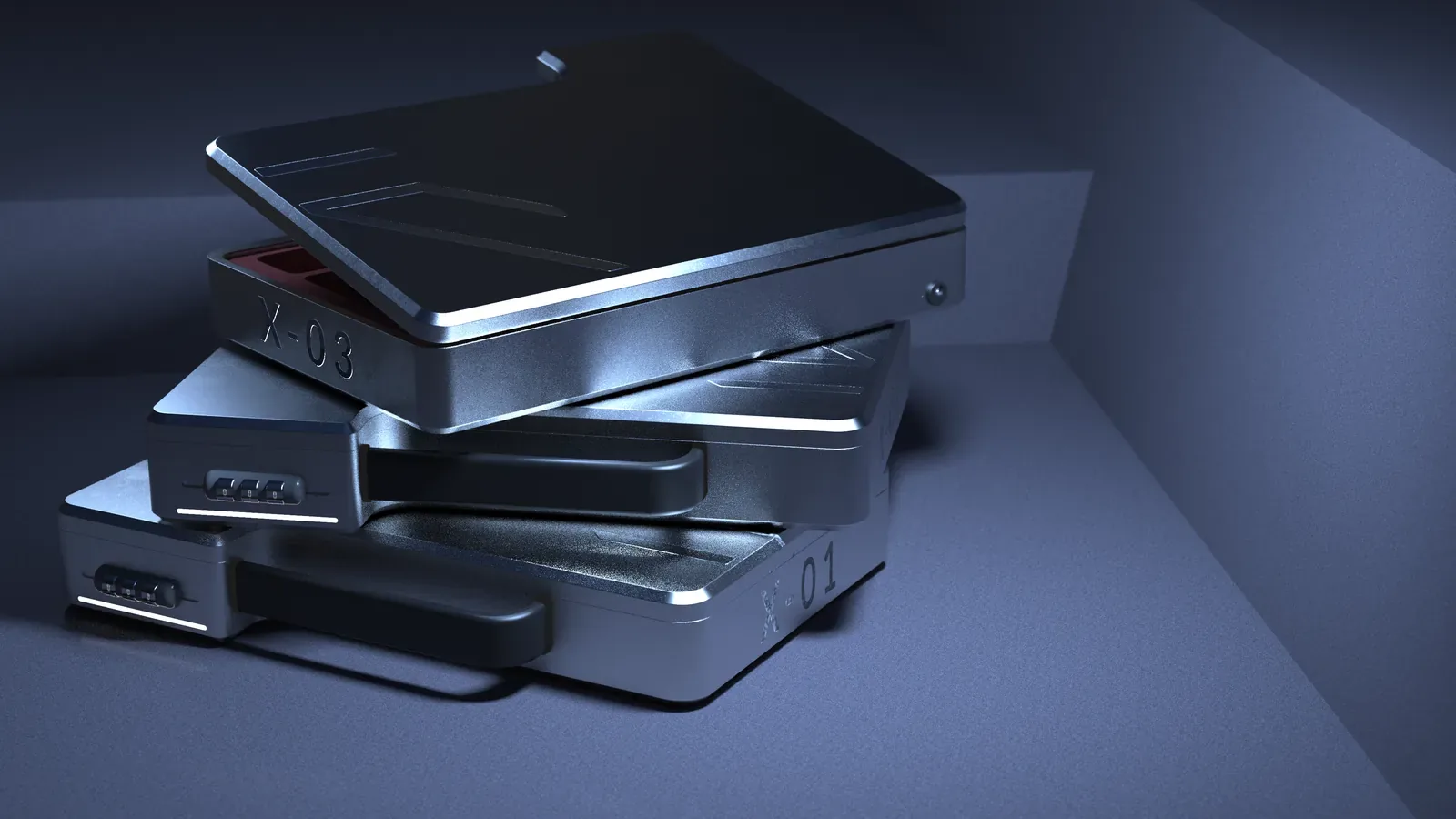
When a part has to carry load, hold a dimension, or survive a temperature swing, you need numbers, not only a CMF intuition. The mechanical material explorer gathers typical properties for thirty-plus engineering materials — yield strength, ultimate tensile strength, elastic modulus, density, and coefficient of thermal expansion — so you can compare candidates before you reach for a full datasheet.
Use it in early sizing: a first-pass beam or plate, a choice between 6061-T6 and 7075-T6, or a check of whether a polymer housing can be a structural member at all. Click a card for the fuller set of notes. Density plus modulus is a quick stiffness-to-weight read; yield plus elongation is a first look at whether the part will bend or crack; CTE matters as soon as two materials are fastened together and then heated.
Typical values are not a substitute for a grade-specific datasheet, a temperature derating, or a standard (ASTM, ISO, or your company’s material spec). Heat treatment, thickness, print orientation for polymers, and moisture in nylons all move the numbers. For anything safety-critical, use the explorer only to shortlist, then design to the published data and the required factor of safety.
If you are choosing a material mainly for feel, colour or finish, also look at the industrial design material explorer. The two tools overlap on names and differ in emphasis.
Example
A first comparison. A small CNC bracket, 80 mm span, light but stiff: 6061-T6 is easy to machine and has well-known typical yield around the mid-200 MPa range; 7075-T6 is stronger and usually less corrosion-resistant and less pleasant to machine; a glass-filled nylon might win on cost at volume but will creep and move with moisture. The explorer is there so that comparison is visible before CAD is already “done” in aluminium.
How to use this tool
- Open Material Explorer in the Mechanical toolkit and browse or search for the family you are considering.
- Compare at least two materials on yield, modulus, density and CTE, not on a single headline strength.
- Note the condition (temper, heat treatment, or “typical as-moulded”) so you do not mix annealed and T6 numbers.
- Do a rough sizing with the typical values, then confirm the grade on a datasheet before you dimension a drawing.
- If two materials will be joined, check the CTE mismatch and the temperature range of use.
Frequently asked questions
Are these minimum, typical, or design values?
They are typical figures for orientation. Design values should come from the standard, the datasheet, or your company’s approved material list, with the correct temperature and condition.
Does the explorer include composites and additively manufactured metals?
It focuses on commonly used engineering metals and polymers. Specialist composites and AM processes need their own data, including build orientation.
Can I plot Ashby charts?
The explorer is a card-based reference, not a full Ashby charting package. You can still compare modulus/density or strength/density by reading two cards side by side.
Why do two sources disagree on yield strength?
Different standards, thicknesses, and tempers. Always record the grade and the standard when you move a number onto a drawing.